service
Internal tools and operations interfaces
We build the internal tools your operations actually need — admin panels, workflow interfaces, ops dashboards — where no-code platforms hit their ceiling.
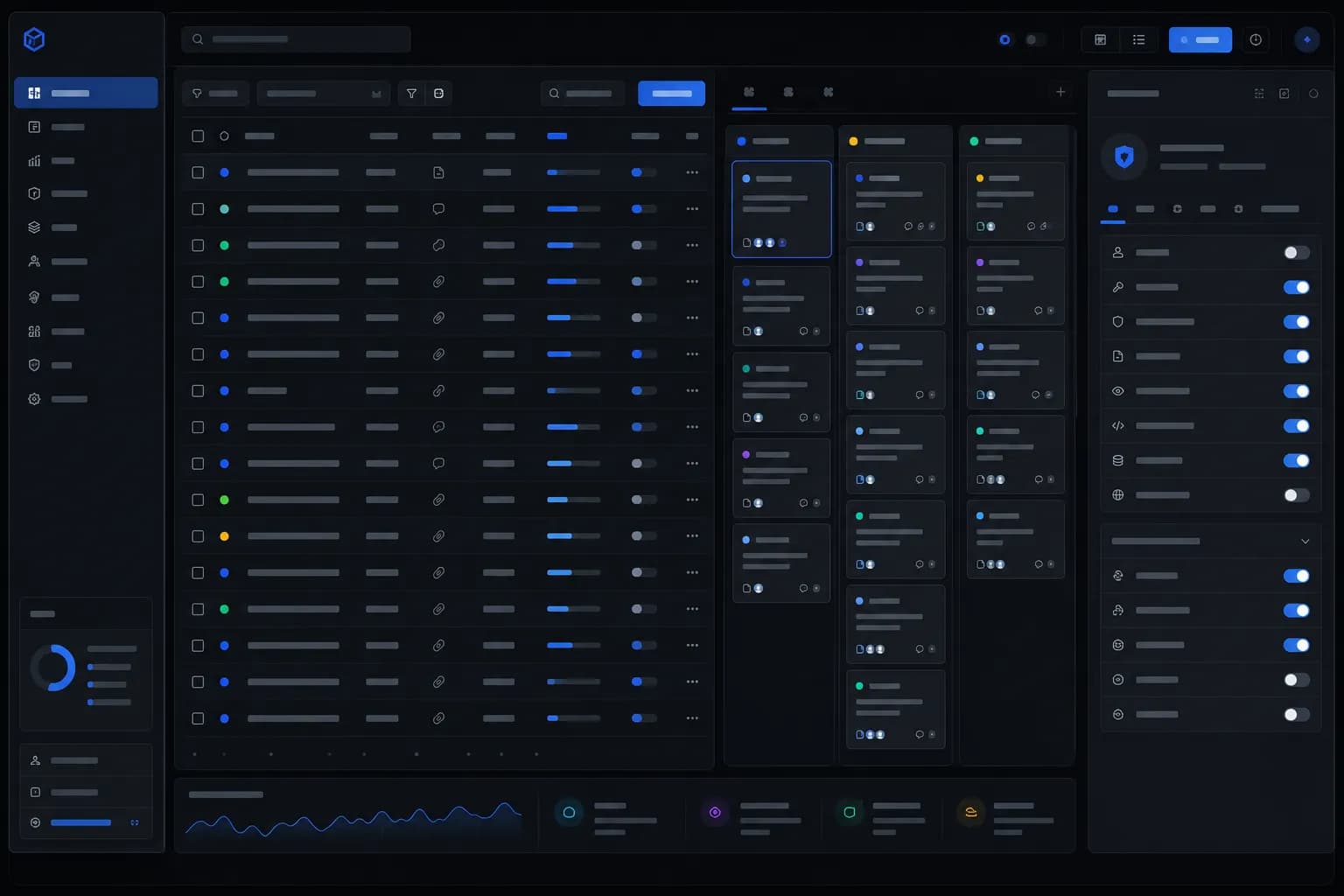
what it is
Internal tools are the interfaces your team uses to run the business: admin panels over your data, workflow tools for repeatable processes, dashboards for operations. Custom-built, they match your process exactly and integrate with every system that matters.
who it’s for
Operations, product and engineering leaders whose teams work around their tools — spreadsheet workflows, aging admin panels, no-code builds that stopped scaling.
how it works
Map the operation
The real process, the workarounds, and the systems of record behind them.
Design the tool
Interfaces built for daily operational use — fast, keyboard-friendly, role-aware.
Build & integrate
Connected to your databases and APIs, shipped in working increments.
key takeaways
- —Custom admin panels, workflow tools and ops dashboards
- —Built past the no-code ceiling — real logic, real integrations
- —Operator-speed UX with role-based access and audit trails
- —Shipped in working increments; your team owns the stack
Where no-code stops
No-code tools are excellent until the day they aren't — complex permissions, real integrations, custom logic, performance at scale. That is the ceiling where teams start maintaining workarounds: the export-modify-import loop, the second tool bolted to the first, the one person who knows why the automation breaks on Tuesdays. We build past it: custom internal tools with your exact process encoded, on a stack your engineers can own and extend.
The tools your operation actually runs on
Most businesses run on a handful of repeated workflows — approve this, schedule that, reconcile these, look up the other thing. Custom internal tools give each workflow a purpose-built interface: admin panels over your business data, workflow tools for repeatable processes, operations dashboards with live numbers, and frontends over legacy systems too costly to replace but too painful to use raw.
Boring, in the best way
Internal tools succeed by disappearing into the workflow. Fast screens, sensible defaults, keyboard-first flows, role-based access, an audit trail behind every change. The design goal is operator speed, not visual spectacle — a tool your team reaches for because it is genuinely faster than the workaround it replaced. That is also why we ship working increments from the first weeks: real operators using real software surface the truth about a workflow faster than any requirements document.
Integrated with everything that matters
An internal tool is only as good as its connections. We build the integration layer against your databases, APIs and third-party systems, with the permissions and logging an internal system demands. Where a no-code tool guards its connectors behind plan tiers, your tool connects to whatever your business needs — that is the point of owning it.
Priced for the work
Engagements typically run $30,000–$150,000 depending on workflow count and integration depth. Mapping session, fixed-price specification, then working increments — one workflow end to end, then the next. No per-seat licensing, no platform ceiling, and your engineers inherit a stack they can maintain.
questions
When should we build custom instead of using no-code?+
When you find your team maintaining workarounds: permissions the tool cannot express, integrations it cannot reach, logic it cannot encode, or performance that degrades as data grows. That ceiling is the signal. A custom tool encodes your exact process on a stack your engineers own, with no per-seat licensing.
What kinds of internal tools do you build?+
Admin panels over your business data, workflow tools for repeatable operations, dashboards for live operational visibility, and frontends over legacy systems that are too costly to replace. The common thread is daily-use software designed for operator speed — fast screens, role-based access, audit trails.
How fast do we see something working?+
Working increments start within the first weeks. We ship a usable core early — one workflow, end to end — then extend, so your team is giving feedback on real software rather than mockups for months.
related services